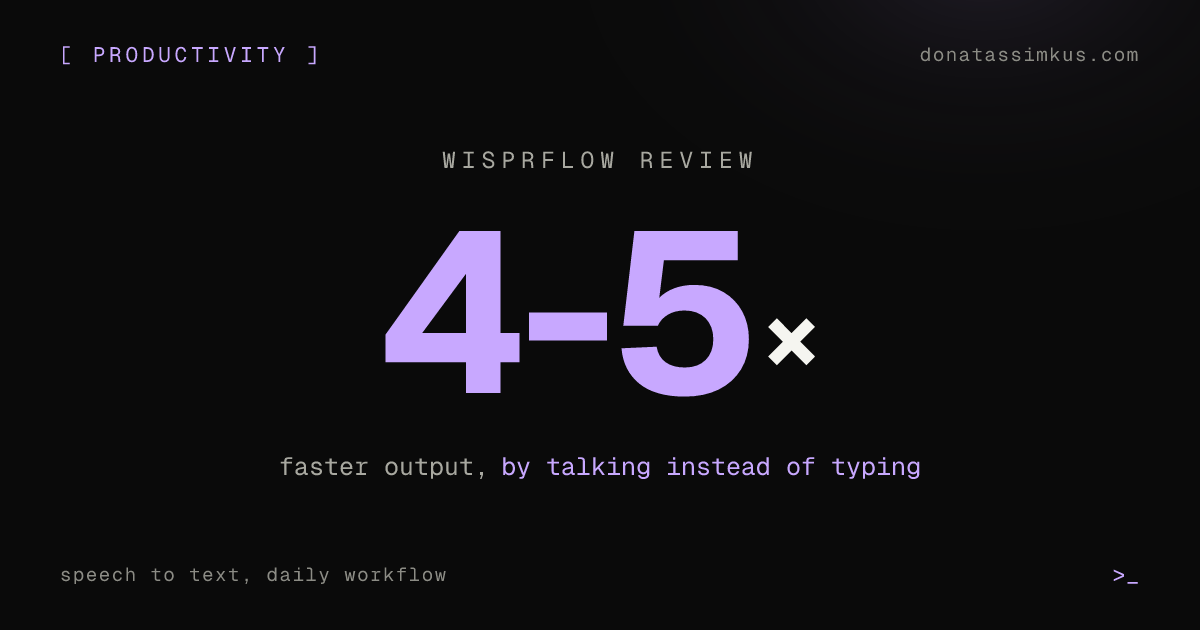
I talk to my computer for most of my work now. Emails, Slack messages, AI prompts, even code. Speech to text productivity gains hit me harder than any other tool change this year. I get through tasks 4-5x faster by speaking instead of typing, and the quality of my output went up because I provide more context when it costs me nothing to speak a full paragraph.
This post covers the tool I use, why built-in dictation failed me, and exactly how I use voice input across my daily workflow. I dictated this entire blog post to Replit Agent in about 5 minutes.
TL;DR
WisprFlowrecognized my Lithuanian accent perfectly from minute one. Apple's built-in dictation failed after a week.- 4-5x speed improvement across AI prompts, emails, voice coding, and documentation
- Bilingual dictation (English + Lithuanian) without toggling settings. Custom dictionary for technical terms.
- Pair with
Grammarlyfor polish: spoken input that reads like carefully typed text
Built-in Dictation Did Not Work for Me
I tried Apple's built-in speech recognition on both iPhone and Mac. Two problems killed it. First, my Lithuanian accent confused it constantly. Words came out garbled, and I spent more time correcting than I saved. Second, the Mac shortcut (double-tap Fn) was inconsistent. Sometimes it activated, sometimes it did not. I gave up after a week.
WisprFlow Got My Accent Right from Minute One
A friend recommended WisprFlow. I installed it, spoke a sentence, and the transcription was perfect. No training period. No accent calibration. It recognized my speech accurately on the first try, including technical terms and proper nouns.
I use it on both Mac and iPhone now. It runs locally on-device, so there is no lag waiting for a server response. You press a key, talk, and the text appears where your cursor is.
Where I Use It Every Day
Voice input replaced typing in four areas of my workflow:
| Use Case | How It Works | Speed Gain |
|---|---|---|
| AI prompting | Speak full context paragraphs instead of typing terse prompts. 3x more detail per prompt. | 30s typing to 10s speaking |
| Emails and messages | Reply to emails and WhatsApp by speaking. Talk, review, send. | Response time cut in half |
| Voice coding | Describe what to build, let AI tools handle implementation. Faster than typing pseudocode. | Specification in seconds |
| Notes and docs | Meeting notes, project briefs, status updates. Capture thinking quickly. | Would skip these entirely if typing |
Bilingual Dictation and Custom Dictionary
I switch between English and Lithuanian throughout the day. WisprFlow handles both languages without toggling a setting. I can start a sentence in English and finish it in Lithuanian. It figures out the language from context.
The custom dictionary solved another pain point. Unusual names, brand terms, and technical jargon that any speech tool would butcher: I added them once, and WisprFlow gets them right every time.
It Adapts to Where You Type
One detail I did not expect: WisprFlow adjusts its formatting based on the application. I did not configure any of this. It reads the context and adjusts automatically:
- Email client: full sentences with proper punctuation
- Code editor: adapts to the programming context
- Chat app: keeps things casual and conversational
- Document editor: formal structure with paragraphs
My Full Voice Input Stack
I pair WisprFlow with Grammarly. WisprFlow handles the raw transcription. Grammarly polishes the grammar and tone on top. The combo gives me spoken input that reads like carefully typed text.
| Tool | Role |
|---|---|
WisprFlow | Raw speech-to-text transcription. Runs locally on-device. Handles accents and bilingual input. |
Grammarly | Grammar, tone, and style polish on top of the raw transcription. |
The result: I reply to messages faster, I write longer and more detailed AI prompts, and I produce documentation I would have skipped entirely if I had to type it.
Try It
If you spend your day typing, try speaking instead for one week. The productivity difference is hard to overstate once you have a tool that actually understands you.
WisprFlow handles accents, multiple languages, and technical vocabulary. I use it daily.
Try WisprFlow